Find step-by-step guides for every part of Need for Service, or reach out and we'll answer directly.
A full walkthrough of the daily workflow — booking, estimates, approvals, invoicing, and the technician app. Start here if you're new.
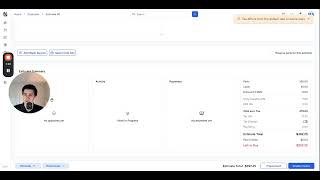
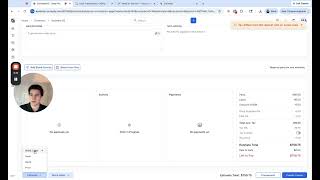
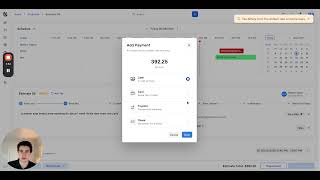
Adding parts and labor, using service kits to speed things up, converting to a work order, and collecting payment — the full invoice flow.
Using the kanban board and calendar view, drag-and-drop between technicians, and seeing which jobs are paid vs. still open.
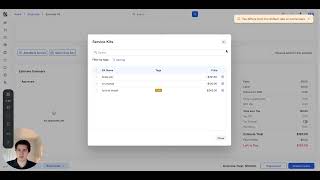
Create saved kits for your most common jobs so estimates fill out in one click. How to build kits from your parts inventory and use them on any estimate.
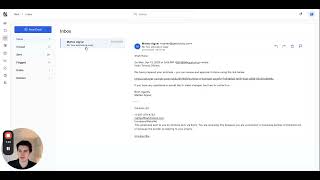
Sending SMS and email from an invoice, managing your shop inbox without switching apps, and setting up message templates for common situations.
Pick your product, tell us what's going on, and choose how you want it handled — schedule a call, or we reach out to you. Takes about 30 seconds.
Your ticket is already logged. Choose a slot and we'll email your Google Meet link, then send it again 1 hour before and at start time.
Detecting your timezone…